01
I am new to C#
Begin with syntax, variables, decisions, loops, methods, classes, collections, and debugging.
Open the beginner tutorial →CSharpTutorHub.com helps you learn C# step by step, from the first line of code to Windows Forms apps, SQL Server systems, ASP.NET Core Web APIs, and complete project ideas you can build with Visual Studio.
// A simple learning journey
var basics = LearnCSharp();
var app = BuildWindowsApp();
var data = ConnectSqlServer();
var api = CreateWebApi();

Console.WriteLine("Ready to build real projects.");
The site is designed around practical skills: write C# code, build interfaces, store data, create services, and complete useful applications.
Whether you are new to programming or already familiar with another language, you can use this site to move directly toward the kind of C# applications you want to build.
Begin with syntax, variables, decisions, loops, methods, classes, collections, and debugging.
Open the beginner tutorial →Create forms, buttons, input screens, calculators, utilities, dashboards, and database-driven desktop software.
Explore Windows Forms projects →Learn endpoints, controllers, minimal APIs, JSON, validation, SQL Server, and service-based development.
Explore ASP.NET Core APIs →Practise with practical project ideas that combine interface design, business logic, data storage, and deployment thinking.
View project ideas →A strong C# foundation becomes more useful when you apply it to interfaces, databases, APIs, and complete applications.
Variables, strings, numbers, decisions, loops, methods, and simple console programs.
Classes, objects, properties, constructors, inheritance, interfaces, and reusable code.
Windows Forms, controls, events, validation, menus, dialogs, and reports.
SQL Server, ADO.NET, LINQ, JSON, REST APIs, and ASP.NET Core services.
Combine everything into useful apps such as dashboards, inventory systems, and CRUD APIs.
These sections help learners move from basic code examples to real application development.
Build user-friendly Windows applications with forms, controls, events, validation, and database screens.
Create backend services that send and receive data using routes, controllers, JSON, and SQL Server.
Connect C# applications to REST APIs, JSON services, external data, automation workflows, and dashboards.
Start with small programs, then add forms, validation, files, databases, reports, and APIs. These project ideas are suitable for students, self-learners, and classroom practice.
These companion books support readers who prefer a structured guide they can follow alongside the tutorials and projects.

A Step-by-Step Introduction to C#, Visual Studio, .NET, Variables, Decisions, Loops, Methods, Classes, Files, and Simple Console Projects.

Learn how to build practical Windows Forms business applications with SQL Server, ADO.NET, LINQ, and real project workflows.

Build Intelligent .NET Applications with C#, Semantic Kernel, MCP, RAG, Tools, Memory, and Workflow Automation
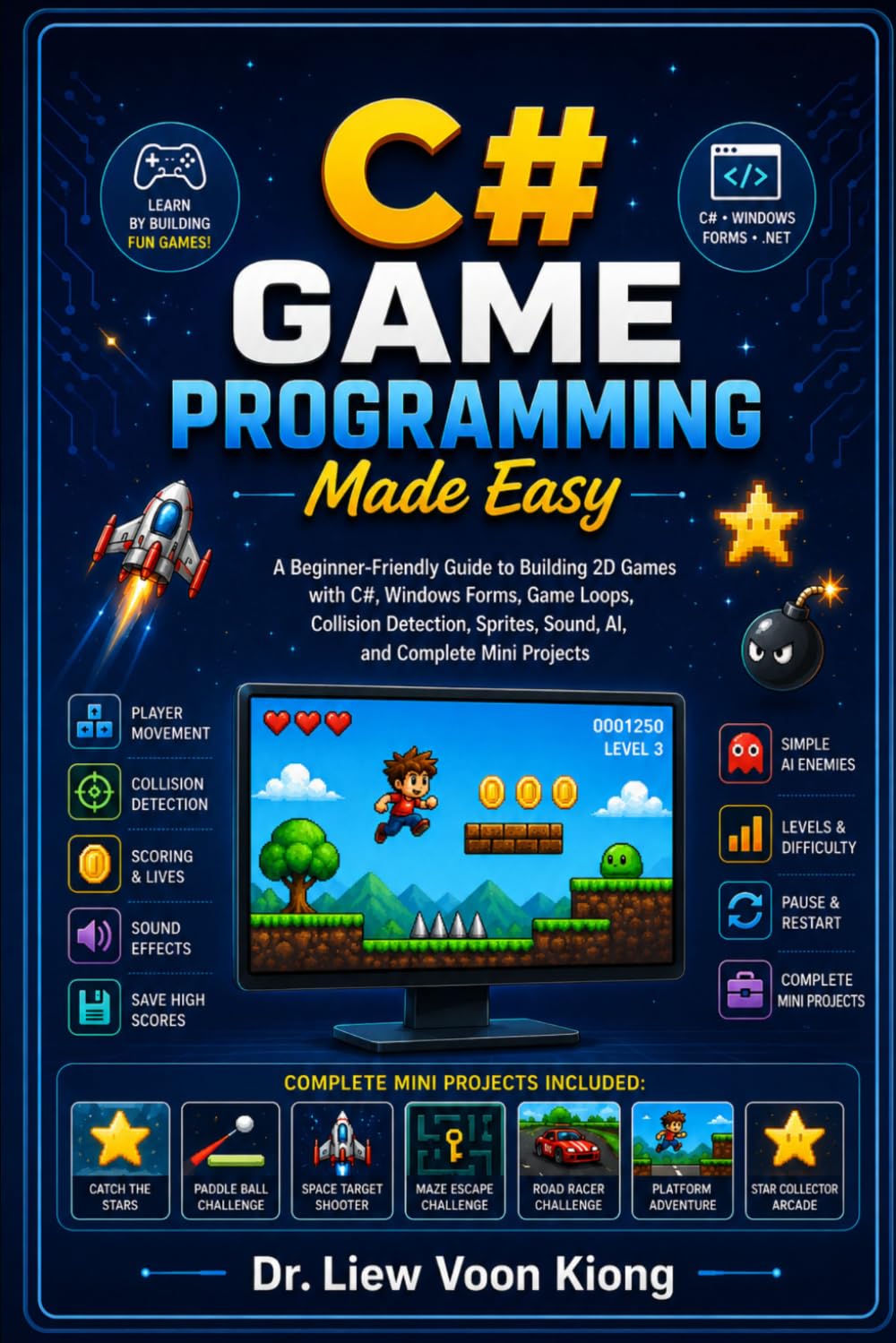
Learn 2D Game Development, Object-Oriented Programming, Game Loops, Graphics, Animation, Collision Detection, Sound, and Simple AI with C#
Yes. C# has readable syntax, excellent Visual Studio support, and many practical uses in desktop, web, database, and business application development.
Start with variables, decisions, loops, methods, classes, objects, collections, and debugging. Then move to Windows Forms, SQL Server, and APIs.
Yes. C# is widely used to build Windows apps, web APIs, enterprise systems, dashboards, cloud services, games, mobile apps, and automation tools.
The best way to learn C# is to write code regularly and apply each concept in a small project. Begin with the tutorial, then choose a project that matches your interest.